Project Overview
What We're Building
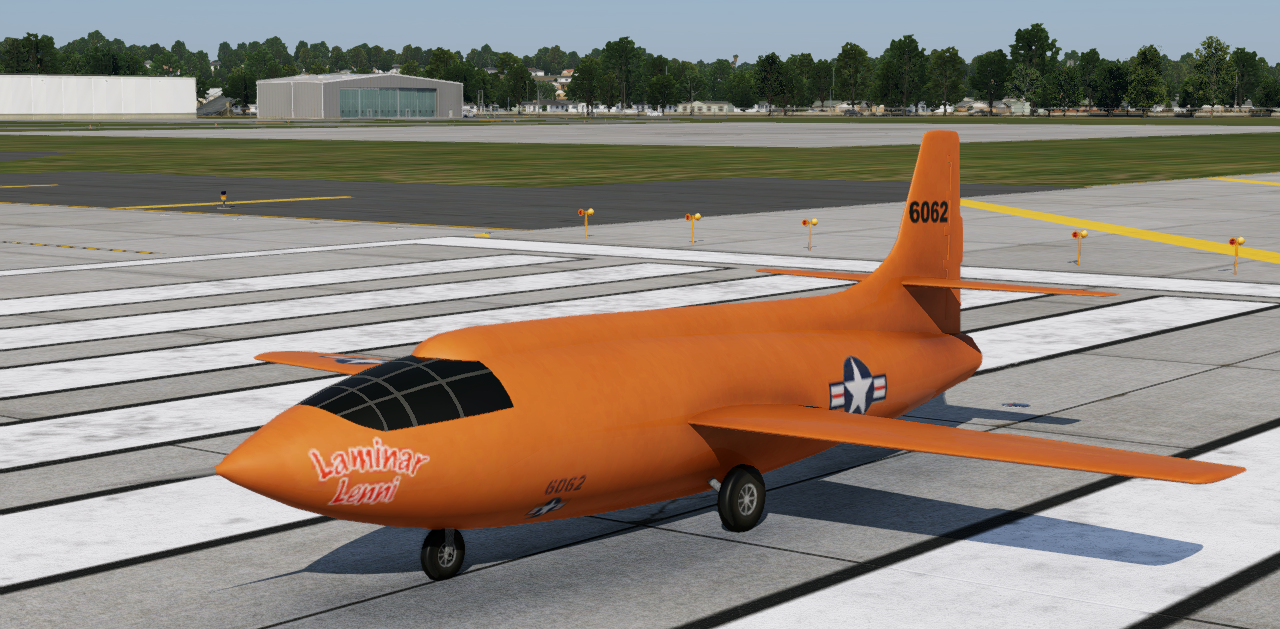
In this tutorial, we'll be creating a simplified Lite version of the Bell X-1 as shown at right, and with the following characteristics.
- 200+ kias cruise.
- 90 kias stall.
- Fixed Tri Gear.
- Jet Powered.
- w/Speedbrakes and Flaps.
- Simple 2D instruments.
- Add EXISTING visual 3D OBJ models.
Everything You Need is Here
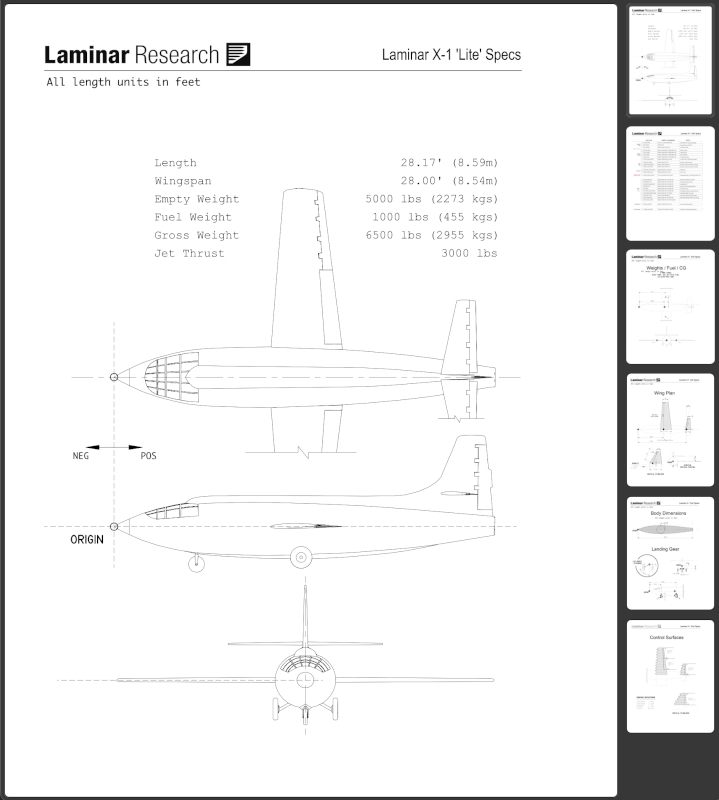
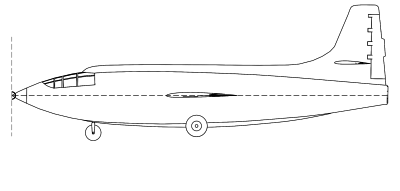
All the assets you need to complete this project are here within this tutorial. The thumbnails below show you the various external assets you will use while building your aircraft. As you progress through the tutorial steps in the PlaneMaker Work section, we will provide download links to these assets at the proper time, so you do not need to come back to this page. In addition, the aircraft specifications are provided at the bottom of the navigation menu at left and you will reference the information there repeatedly throughout the process. We recommend you look over the various sub-pages to become familiar with the information contained in it.
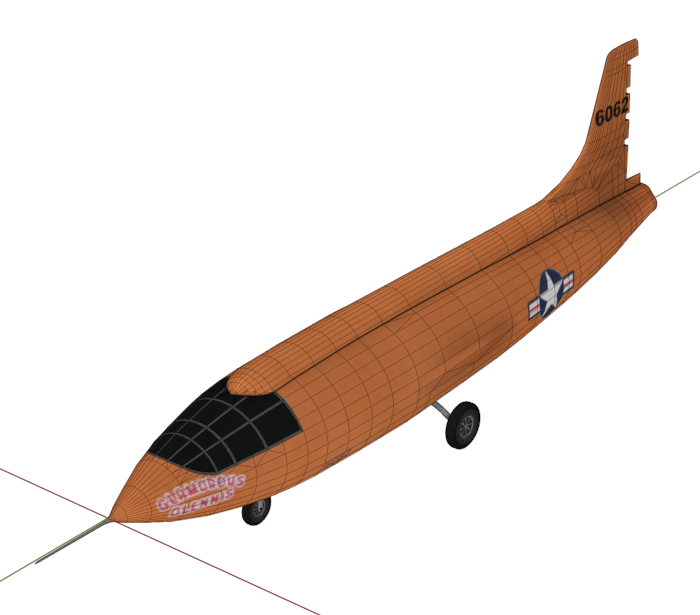
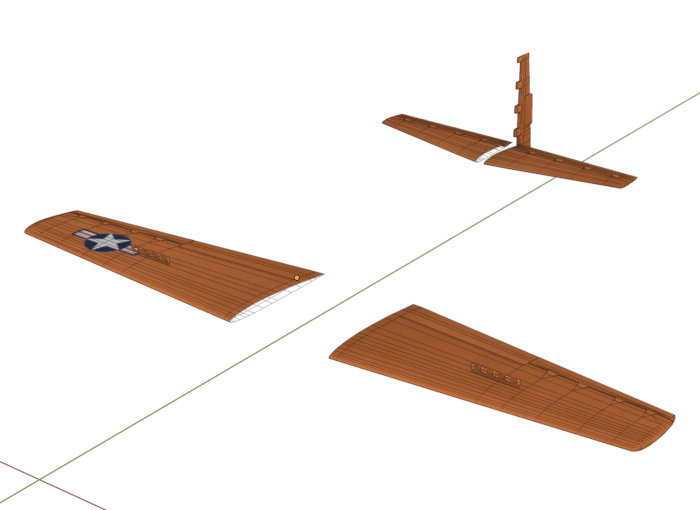
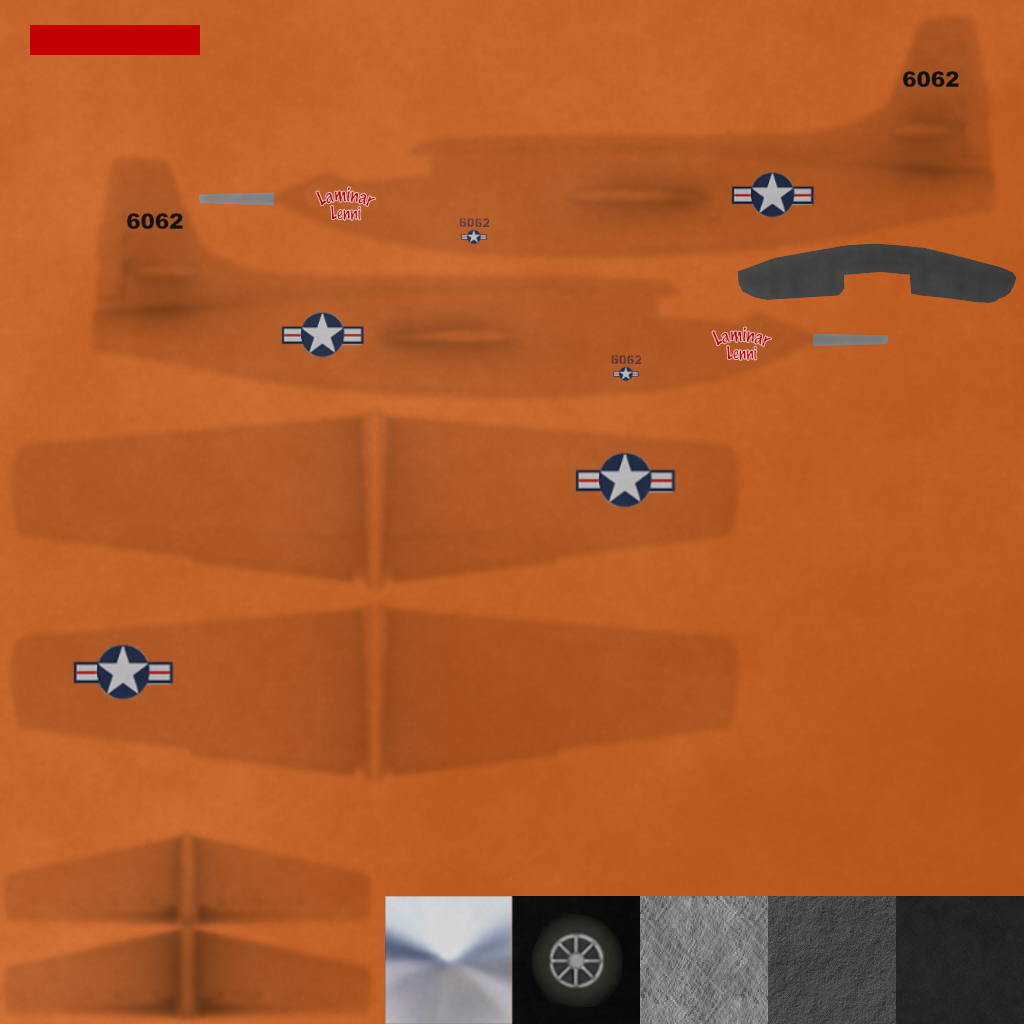
How To Use these Docs
Once you begin working through the various steps, you will see many step by step instructions that have little icons to the right of some instructions. When you see these icons, click on them to display a larger image that accompanies that steps and provides additional clarification or information. You can usually close the image with the ESC key, or use the [X] in the top right of the pop-up image.